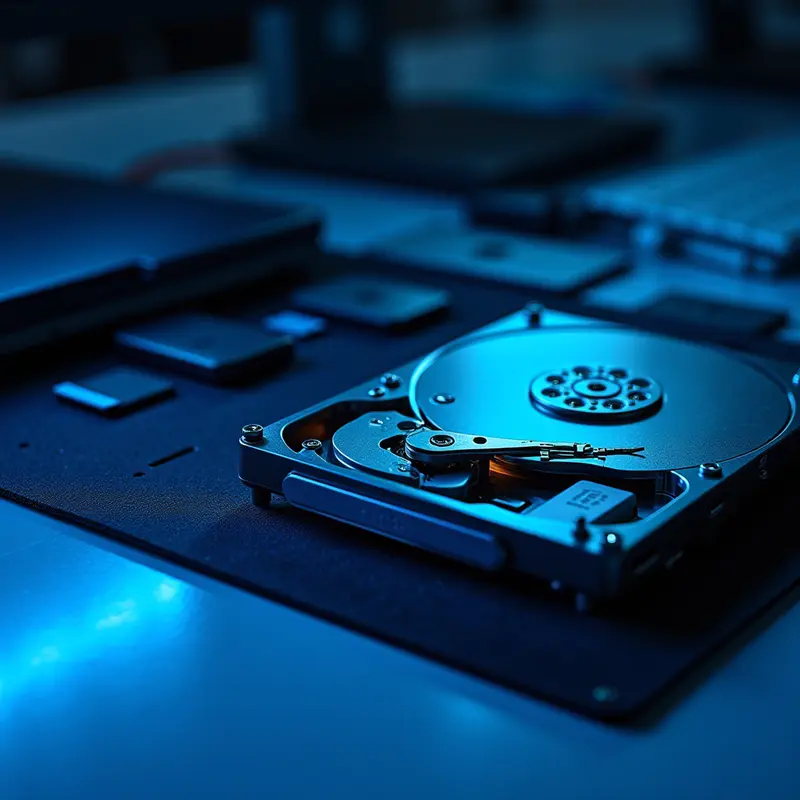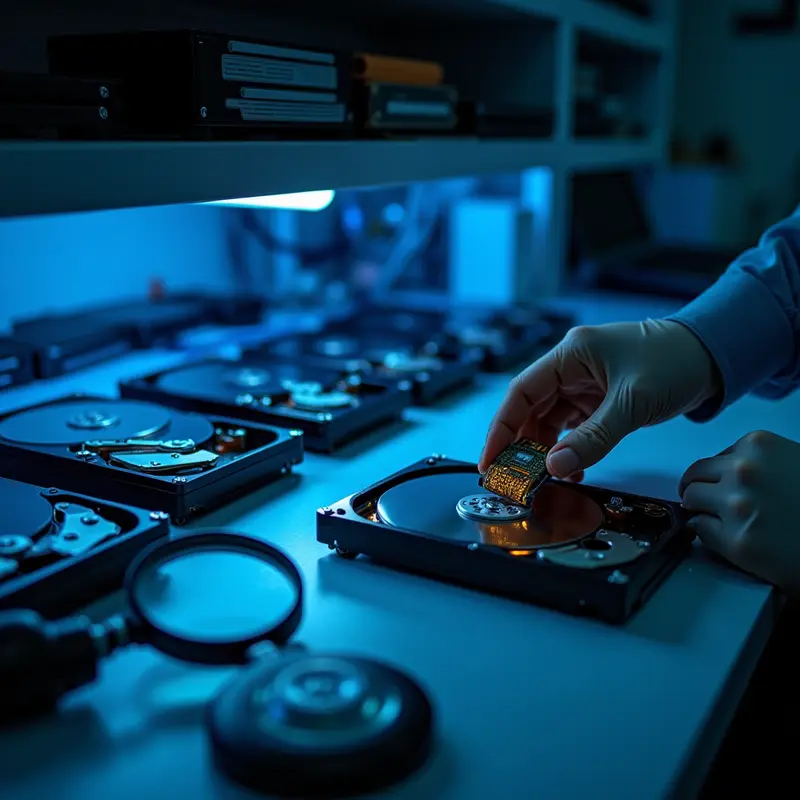














EaseUS Partition Recovery Pro — Review and Comparison

EaseUS Partition Recovery Pro is one of the specialized tools in the field of lost partition recovery, developed by EaseUS. This software operates in a competitive market where numerous options are available to users. In this article, we provide an expert review of the capabilities and performance of this tool.
Quick Summary

EaseUS Partition Recovery Pro is a specialized tool for recovering lost partitions on Windows. Unlike typical data recovery software that restores individual files, it recovers the entire partition with its complete structure. This key difference results in more efficient performance in scenarios such as accidental partition deletion or partition table corruption. Its simple, step-by-step user interface makes it suitable even for non-professional users.
Key Points
- Full partition recovery instead of individual file recovery
- Two scan modes—quick and deep—to cover various scenarios
- Support for NTFS, FAT32, and EXT3 file systems
- Compatible with various versions of Windows
- Step-by-step user interface suitable for beginner users
- Preview capability before final recovery
- Ideal for fixing partition table corruption and accidental partition deletion
Introduction to EaseUS Partition Recovery Pro

EaseUS Partition Recovery Pro is a product from EaseUS, a well-established company in the field of disk management and recovery tools. With a long track record of developing utility software for Windows, the company has released numerous products in the areas of backup, partition management, and data transfer. What sets EaseUS Partition Recovery Pro apart from competitors like MiniTool Partition Wizard or AOMEI Partition Assistant is its dedicated focus on lost partition recovery, whereas many competitors offer this feature as part of a larger suite.
From a technical standpoint, the software’s two-stage scanning system is a smart approach. The quick scan is sufficient for simple scenarios such as recent accidental deletion, but the real value of this tool becomes apparent in the deep scan mode, which examines the disk sector by sector. This feature is particularly important when system corruption, malware attacks, or sudden power outages have destroyed the partition table. Support for diverse file systems including NTFS, FAT32, FAT16, FAT12, EXT2, and EXT3 shows that this tool is even useful for recovering Linux partitions on a Windows system.
The preview capability before recovery is one of the software’s major strengths, allowing users to verify the accuracy of the found partition before making any changes. The step-by-step user interface has also made this tool a practical option for repair shop technicians and businesses with limited budgets for professional data recovery. Compatibility with various storage media including HDD, SSD, USB, and memory cards also ensures high flexibility. Overall, EaseUS Partition Recovery Pro is a specialized and reliable tool for partition recovery that offers significant value compared to the high costs of professional data recovery services.
Key Features
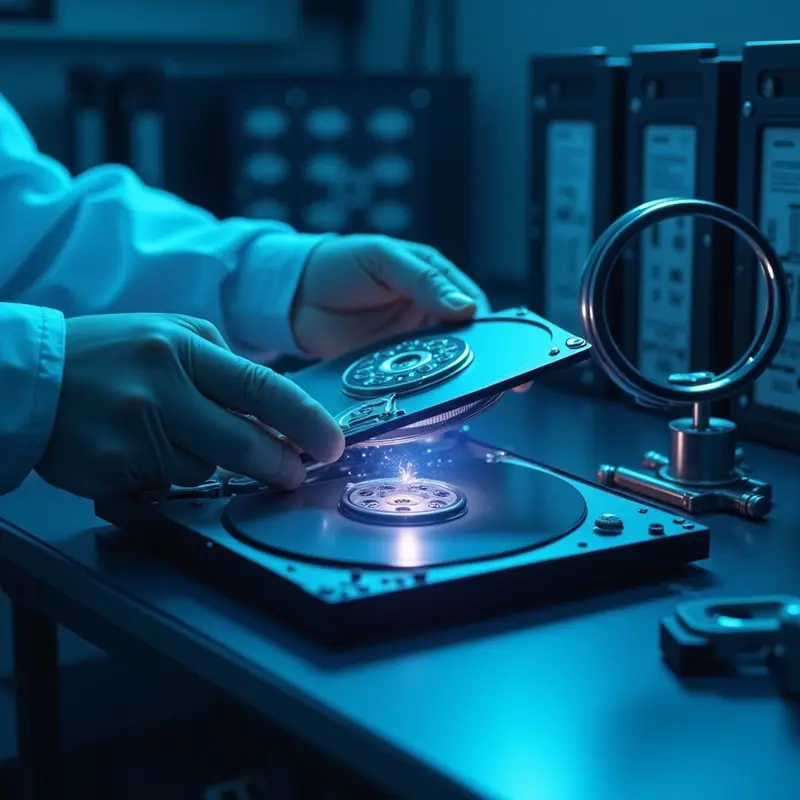
- Two-Stage Scanning: The EaseUS Partition Recovery Pro scanning system is divided into quick and deep modes, which is a smart approach. The quick scan delivers results within minutes for recently deleted partitions, while the deep scan examines the disk sector by sector. This is precisely the feature that distinguishes this software from its simpler competitors.
- Extensive File System Support: Compatibility with NTFS, FAT32, FAT16, FAT12, EXT2, and EXT3 shows that EaseUS hasn’t focused solely on Windows users and also covers Linux partitions. This versatility is a serious practical advantage, especially for repair technicians who deal with various systems.
- Preview Before Recovery: The ability to examine the found partition before taking any action makes decision-making easier and prevents incorrect recovery—a feature that many competing tools don’t offer in this form.
- Compatibility with Various Storage Media: Support for HDD, SSD, USB, memory cards, and external hard drives, as well as disks with multi-terabyte capacities, makes this tool a complete solution for various recovery scenarios.
Pros and Cons

- Pro: Having both quick and deep scan modes is a serious strength of this software. Many similar tools only offer one scan mode, but EaseUS Partition Recovery Pro significantly increases the chances of recovering partitions that were deleted long ago through its sector-by-sector scanning.
- Pro: Support for diverse file systems including NTFS, FAT32, FAT16, FAT12, EXT2, and EXT3 means this tool isn’t limited to Windows users and can even detect Linux partitions. This versatility is a notable competitive advantage in the partition recovery tools market.
- Pro: The ability to preview the found partition before recovery minimizes the risk of error. Users can ensure they’ve selected the correct partition and prevent unwanted data overwriting.
- Pro: The step-by-step user interface of this software is designed so that even non-expert users can complete the recovery process without confusion—a point that is completely absent in competing tools like TestDisk.
- Con: The single-device license limitation is problematic for IT technicians who work with multiple systems. Competitors like MiniTool Partition Wizard offer more flexibility in this regard in some editions.
- Con: The lack of support for modern Linux file systems such as EXT4 and Btrfs is a real shortcoming. Given that most Linux distributions use EXT4, this limitation calls into question the practical usefulness of Linux partition recovery.
- Con: This software runs exclusively on Windows and has no version for macOS or Linux. If your Windows system won’t boot, you’ll need to connect the hard drive to another system to use this tool.
Real-World Usage Experience

In practice, working with EaseUS Partition Recovery Pro is a simple and straightforward experience. The software’s step-by-step user interface is designed so that even users without advanced technical knowledge can easily complete the recovery process. An important point in everyday use is the performance difference between the two scan modes; the quick scan delivers results within minutes for recently deleted partitions, and this speed is truly valuable in emergency situations. However, the deep scan, which examines the disk sector by sector, requires more time and may test your patience depending on the disk size. The ability to preview the found partition before recovery is a key advantage that minimizes the risk of error. Extensive support for file systems such as NTFS, FAT32, FAT16, FAT12, EXT2, and EXT3 means this tool covers virtually any partition. Compatibility with various disk types including HDD, SSD, and USB also provides high flexibility across different work environments.
Who Should Use EaseUS Partition Recovery Pro?
EaseUS Partition Recovery Pro is a true lifesaver for a specific group of users. Technicians and IT professionals who deal with various systems on a daily basis benefit the most from this software, as partition recovery is one of the most common repair shop requests, and having a reliable tool in their digital toolkit boosts their speed and credibility.
Home users who have accidentally lost critical data while reinstalling Windows or resizing partitions are also a primary audience for this product. The step-by-step user interface of EaseUS Partition Recovery Pro allows them to recover lost partitions even without advanced technical knowledge.
Small business owners who don’t have the budget to outsource to data recovery companies can independently solve the problem with this software.
However, if you’re only looking to recover a few deleted files rather than an entire partition, this software isn’t the right choice, and you’d be better off using file recovery tools instead. Additionally, macOS or Linux users cannot use this tool, as it is designed exclusively for Windows.
Similar Products to EaseUS Partition Recovery Pro | Original License
Frequently Asked Questions
What type of software is EaseUS Partition Recovery Pro and what is it used for?
This software is a specialized partition recovery tool that falls under the category of disk management utility software. Unlike ordinary tools that only recover individual files, EaseUS Partition Recovery Pro recovers the entire partition while preserving the folder structure and original file system, which makes it a more professional option.
What file systems and disks does this software support?
In terms of file systems, it offers full compatibility with NTFS, FAT32, FAT16, FAT12, EXT2, and EXT3, covering a wide range of Windows users and even those who work with Linux partitions. It also supports various disk types including HDD, SSD, USB, memory cards, and external hard drives.
Which versions of Windows is this software license compatible with?
This license is compatible with the Windows operating system and supports versions from Windows 7 through Windows 11. The professional version removes all limitations of the trial version and enables unrestricted full partition recovery.
What is the difference between the professional version and the free version of EaseUS Partition Recovery?
Unlike the free version, the professional version has no limitations in the final partition recovery process. The free version typically allows scanning and previewing, but full recovery requires upgrading to the professional version, which provides an unrestricted experience.
Who is this software suitable for?
EaseUS Partition Recovery Pro is suitable for professional users, computer repair technicians, and anyone who has accidentally deleted a partition or encountered partition table corruption. Its extensive support for various file systems makes it a versatile tool for diverse data recovery scenarios.
Conclusion
EaseUS Partition Recovery Pro is a sensible investment for Windows users who are concerned about losing their data; particularly repair shop technicians and IT managers in small businesses who need a reliable and straightforward tool will benefit the most from this software. However, if your primary need involves working with modern Linux systems based on EXT4, or if you require cross-platform support, you should also consider alternatives like TestDisk. Ultimately, EaseUS Partition Recovery Pro delivers convincing performance in its niche—specialized partition recovery on Windows—and is well worth serious consideration.
Want to generate content for all your website’s products with one click?