



GData Total Security
GData Total Security | Instant Delivery via Email Original price was: €14.22.Current price is: €10.69.
Back to products
Ashampoo Ashampoo Snap 17
Ashampoo Snap 17 | lifetime | Instant Delivery via Email Original price was: €10.51.Current price is: €7.56.

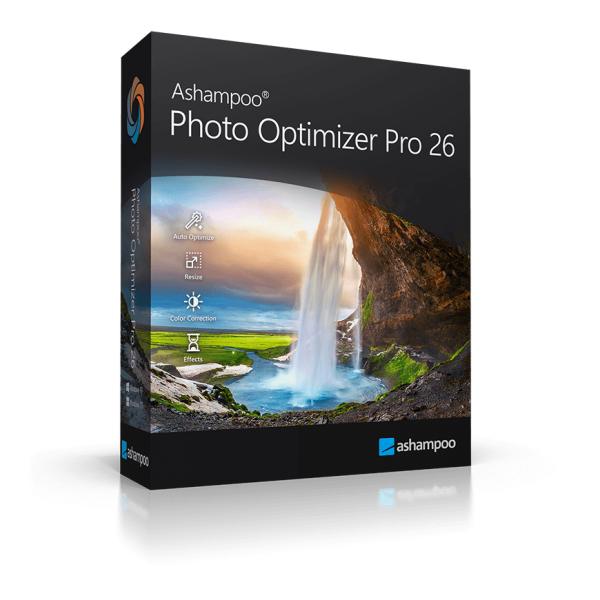
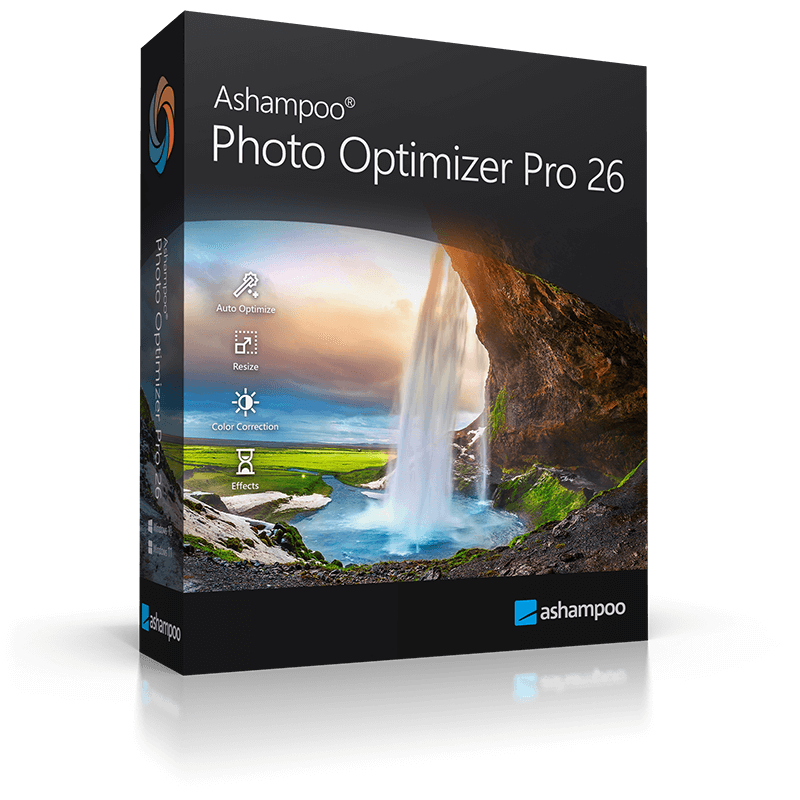
Ashampoo Photo Optimizer Pro 26 | lifetime | Instant Delivery via Email

Original License: Ashampoo Ashampoo Photo Optimizer Pro 26

Original software with official license

✅ Compatible with Windows

✅ Available for 1 device

✅ Instant license delivery via email

✅ Safe purchase from Anisho

SKU: N/A
promotions

این محصول را با تخفیف ویژه Purchase کنید

Purchase محصول in جشنواره رویداد های اخیر

Sale_coupon_15

Original price was: €14.05.Current price is: €9.18.

Geographic Activation Restriction
View list of allowed countries

License Restriction Details

×
Your current location: United States (US)

Dear customer, this product is a digital item with regional activation restrictions (Region Lock).

Please only purchase if you can activate in the countries listed below.

Countries allowed for activation:

Germany France United Kingdom (UK) Italy Spain Netherlands Belgium Switzerland Austria Sweden Norway Denmark Finland Poland Portugal Ireland Greece Czech Republic Romania Hungary Slovakia Bulgaria Croatia Lithuania Latvia Estonia Slovenia Luxembourg Cyprus Malta Iceland Liechtenstein
13 People watching this product now!

Immediate Email Delivery

100% Original License

Official Invoice

Secure Payment

Shopping with various payment gateways :

تصویر زیبای لباس سنتی و مدرن با طراحی منحصر به فرد در فروشگاه آنیشو.

Description

Buy Original License: Ashampoo Photo Optimizer Pro 26

Ashampoo Photo Optimizer Pro 26 is a powerful yet remarkably easy-to-use photo enhancement software that transforms your images with just a single click. Whether your photos suffer from poor lighting, dull colours, or simply lack that professional polish, this application uses intelligent automatic optimisation to bring out the very best in every shot. From individual portraits to entire photo collections processed in batch mode, Ashampoo Photo Optimizer Pro 26 delivers brilliant results without requiring any specialist knowledge or hours of manual editing. The latest version introduces advanced image compression with live preview, 27 brand-new LUTs (Look-Up Tables) for creative colour grading, new decorative frames, improved RAW format support, and a refreshed modern interface — all designed to help you achieve perfect image quality at optimal file sizes.

Who Is It For?

Ashampoo Photo Optimizer Pro 26 is ideal for anyone who wants better-looking photos without the steep learning curve of professional editing suites. Home users who take photos at weddings, family celebrations, holidays, and everyday events will appreciate the one-click optimisation that instantly corrects exposure, colour balance, and contrast. Hobbyist photographers looking to give their images a distinctive creative look will benefit from the extensive LUT collection spanning seasonal themes, vintage effects, and high-contrast styles. Bloggers and website owners who need to compress images for the web without visible quality loss will find the new compression tool with real-time file size preview indispensable. Small business owners preparing product photos or social media content can process entire image batches efficiently. Even users managing large photo archives will value the improved metadata handling and broad RAW format compatibility that ensures every image is processed cleanly and reliably.

Key Features of Ashampoo Photo Optimizer Pro 26

Feature Description
One-Click Auto Optimisation Intelligent algorithms automatically correct exposure, colour, contrast, and white balance in a single click — individually or in batch mode for entire photo series.
Image Compression with Live Preview Compress JPG, WebP, and PNG files with an interactive before/after comparison and real-time file size display, giving you full control over the quality-to-size ratio.
27 New LUTs (Look-Up Tables) Apply professional colour grading presets across nine categories — Halloween, Christmas, Autumn, Summer, Vintage, Contrast, HighKey, LowKey, and FX — each with three new creative looks.
Batch Processing Optimise, compress, or apply effects to hundreds of photos at once, ensuring consistent results across entire image collections.
New Decorative Frames Expanded frame library with fresh designs to add mood and character to your photos for sharing or printing.
Enhanced RAW Support Significantly expanded compatibility with RAW formats from all major camera manufacturers for seamless import and editing.
Improved Metadata Handling Optimised processing of EXIF and other image metadata ensures your photo information is preserved accurately throughout editing.
Horizon & Perspective Correction Straighten crooked horizons and correct perspective distortions with simple, intuitive controls.
Retouching Tools Remove red eyes, skin blemishes, spots, and other imperfections quickly and effectively.
Creative Filters & Effects Apply artistic filters, artificial ageing, soft focus, watermarks, and a wide range of visual effects to personalise your images.
Modern Redesigned Interface Clean, contemporary user interface that remains intuitive and easy to navigate, even for beginners.

License & Purchase Information

This product listing is for an original Ashampoo Photo Optimizer Pro 26 license key valid for 1 device running Windows. The license is delivered digitally as an ESD (Electronic Software Distribution) product, meaning you will receive your activation key immediately after purchase — no physical shipment required. Simply download the latest version of Ashampoo Photo Optimizer Pro 26 directly from the official Ashampoo website, install it on your Windows PC, and activate it with the license key provided by Anisho. This is a genuine, fully licensed copy that entitles you to all features of the Pro edition, including future updates for version 26.

Why Anisho?

When you purchase Ashampoo Photo Optimizer Pro 26 from Anisho, you receive a 100% original and legitimate software license — never pirated, never grey-market. We specialise in serving customers across Europe with a straightforward buying experience. Your license key is delivered instantly via email after payment, so you can start optimising your photos within minutes. Our prices are consistently competitive, offering you a great deal compared to buying directly from the manufacturer. Should you have any questions before or after your purchase, our dedicated support team is ready to assist you. Choose Anisho for genuine licenses, immediate digital delivery, and excellent value for money.


Buy Original License: Ashampoo Photo Optimizer Pro 26

Ashampoo Photo Optimizer Pro 26 is a powerful yet remarkably easy-to-use photo enhancement software that transforms your images with just a single click. Whether your photos suffer from poor lighting, dull colours, or simply lack that professional polish, this application uses intelligent automatic optimisation to bring out the very best in every shot. From individual portraits to entire photo collections processed in batch mode, Ashampoo Photo Optimizer Pro 26 delivers brilliant results without requiring any specialist knowledge or hours of manual editing. The latest version introduces advanced image compression with live preview, 27 brand-new LUTs (Look-Up Tables) for creative colour grading, new decorative frames, improved RAW format support, and a refreshed modern interface — all designed to help you achieve perfect image quality at optimal file sizes.

Who Is It For?

Ashampoo Photo Optimizer Pro 26 is ideal for anyone who wants better-looking photos without the steep learning curve of professional editing suites. Home users who take photos at weddings, family celebrations, holidays, and everyday events will appreciate the one-click optimisation that instantly corrects exposure, colour balance, and contrast. Hobbyist photographers looking to give their images a distinctive creative look will benefit from the extensive LUT collection spanning seasonal themes, vintage effects, and high-contrast styles. Bloggers and website owners who need to compress images for the web without visible quality loss will find the new compression tool with real-time file size preview indispensable. Small business owners preparing product photos or social media content can process entire image batches efficiently. Even users managing large photo archives will value the improved metadata handling and broad RAW format compatibility that ensures every image is processed cleanly and reliably.

Key Features of Ashampoo Photo Optimizer Pro 26

Feature Description
One-Click Auto Optimisation Intelligent algorithms automatically correct exposure, colour, contrast, and white balance in a single click — individually or in batch mode for entire photo series.
Image Compression with Live Preview Compress JPG, WebP, and PNG files with an interactive before/after comparison and real-time file size display, giving you full control over the quality-to-size ratio.
27 New LUTs (Look-Up Tables) Apply professional colour grading presets across nine categories — Halloween, Christmas, Autumn, Summer, Vintage, Contrast, HighKey, LowKey, and FX — each with three new creative looks.
Batch Processing Optimise, compress, or apply effects to hundreds of photos at once, ensuring consistent results across entire image collections.
New Decorative Frames Expanded frame library with fresh designs to add mood and character to your photos for sharing or printing.
Enhanced RAW Support Significantly expanded compatibility with RAW formats from all major camera manufacturers for seamless import and editing.
Improved Metadata Handling Optimised processing of EXIF and other image metadata ensures your photo information is preserved accurately throughout editing.
Horizon & Perspective Correction Straighten crooked horizons and correct perspective distortions with simple, intuitive controls.
Retouching Tools Remove red eyes, skin blemishes, spots, and other imperfections quickly and effectively.
Creative Filters & Effects Apply artistic filters, artificial ageing, soft focus, watermarks, and a wide range of visual effects to personalise your images.
Modern Redesigned Interface Clean, contemporary user interface that remains intuitive and easy to navigate, even for beginners.

License & Purchase Information

This product listing is for an original Ashampoo Photo Optimizer Pro 26 license key valid for 1 device running Windows. The license is delivered digitally as an ESD (Electronic Software Distribution) product, meaning you will receive your activation key immediately after purchase — no physical shipment required. Simply download the latest version of Ashampoo Photo Optimizer Pro 26 directly from the official Ashampoo website, install it on your Windows PC, and activate it with the license key provided by Anisho. This is a genuine, fully licensed copy that entitles you to all features of the Pro edition, including future updates for version 26.

Why Anisho?

When you purchase Ashampoo Photo Optimizer Pro 26 from Anisho, you receive a 100% original and legitimate software license — never pirated, never grey-market. We specialise in serving customers across Europe with a straightforward buying experience. Your license key is delivered instantly via email after payment, so you can start optimising your photos within minutes. Our prices are consistently competitive, offering you a great deal compared to buying directly from the manufacturer. Should you have any questions before or after your purchase, our dedicated support team is ready to assist you. Choose Anisho for genuine licenses, immediate digital delivery, and excellent value for money.
Frequently Asked Questions

What is Ashampoo Photo Optimizer Pro 26 and what does it do?

Ashampoo Photo Optimizer Pro 26 is a professional photo optimization and editing software developed by the German company Ashampoo. It allows you to enhance photo quality with one click using smart automatic optimization for colors, brightness, contrast, and details. It also features advanced image compression, 27 new LUT filters, batch processing, and expanded RAW format support.

How will I receive the license after purchase?

The license key is delivered instantly via digital delivery (ESD) to your email immediately after completing the purchase. There is no physical shipment required, so you can activate and start using the software right away.

How many devices can I use the license on?

The license is valid for installation on 1 Windows device. It is a permanent (lifetime) license, meaning there is no recurring subscription or expiration date.

What operating systems are compatible with this software?

Ashampoo Photo Optimizer Pro 26 is compatible with Windows. It is designed exclusively for Windows devices and is not available for macOS or Linux.

What are the key features included in the Pro 26 version?

The Pro 26 version includes one-click automatic photo optimization, advanced image compression with live preview, 27 new LUT filters across 9 categories (including Vintage, Contrast, and FX), batch processing for optimizing hundreds of photos simultaneously, new frames, improved RAW format support, and editing tools such as horizon correction, perspective correction, red-eye removal, and watermarking.

What is the price of Ashampoo Photo Optimizer Pro 26?

The license is priced at 9.78 EUR. This is a one-time payment for a permanent license with no additional subscription fees.

Is this an original and legitimate license?

Yes, all licenses sold through anishostore.com are original and sourced directly from the official publisher. The license is issued directly by Ashampoo, guaranteeing access to official updates and manufacturer support.

What support is available if I need help with installation or activation?

Anishostore provides customer support in Farsi. If you need assistance with the purchase process, activation, or using the software, you can contact their support team for complete guidance.

Product Specifications

overview Features

BrandAshampoo
Delivery methodExpress Delivery - Manual Delivery - Sent by AdminImmediate delivery
Operating System TypeWindows
Geräte1 Device
ChatGPT Image Apr 1, 2026, 06 58 14 PM (1)

User reviews

Reviews

There are no reviews yet.

Only logged in customers who have purchased this product may leave a review.