



Kaspersky Mobile Standard
Kaspersky Mobile Standard | (EU) | Instant Delivery via Email Original price was: €12.41.Current price is: €9.00.
Back to products
Kaspersky Plus
Kaspersky Plus | (EU) | Instant Delivery via Email Price range: €30.84 through €46.91

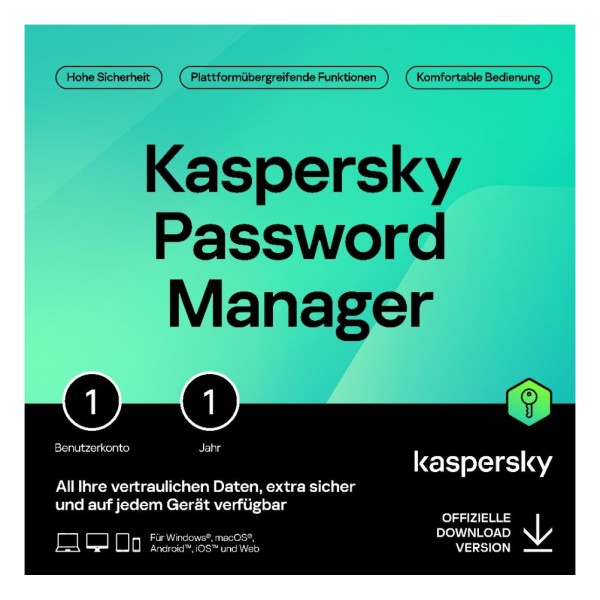
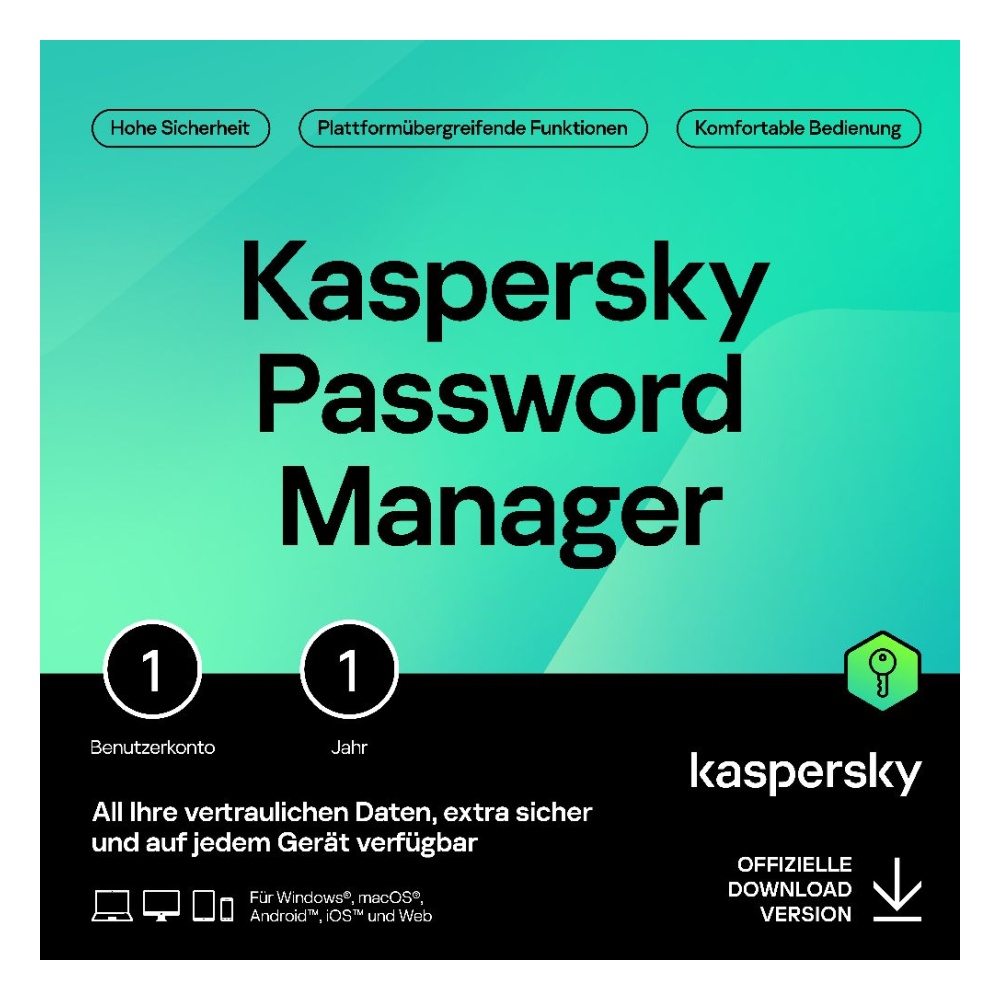
Kaspersky Password Manager | (DACH) | Instant Delivery via Email

Original License: Kaspersky Password Manager

Secure password management and storage

✅ Compatible with Windows, macOS, Android, iOS, Linux

✅ Available for 1 device

✅ Instant license delivery via email

✅ Safe purchase from Anisho

SKU: N/A 🌍 DACH (DE/AT/CH)
promotions

این محصول را با تخفیف ویژه Purchase کنید

Purchase محصول in جشنواره رویداد های اخیر

Sale_coupon_15

Original price was: €12.86.Current price is: €9.13.

Geographic Activation Restriction
View list of allowed countries

License Restriction Details

×
Your current location: —

Dear customer, this product is a digital item with regional activation restrictions (Region Lock).

Please only purchase if you can activate in the countries listed below.

Countries allowed for activation:

Germany France United Kingdom (UK) Italy Spain Netherlands Belgium Switzerland Austria Sweden Norway Denmark Finland Poland Portugal Ireland Greece Czech Republic Romania Hungary Slovakia Bulgaria Croatia Lithuania Latvia Estonia Slovenia Luxembourg Cyprus Malta Iceland Liechtenstein
11 People watching this product now!

Immediate Email Delivery

100% Original License

Official Invoice

Secure Payment

Shopping with various payment gateways :

تصویر زیبای لباس سنتی و مدرن با طراحی منحصر به فرد در فروشگاه آنیشو.

Description

Buy Original License: Kaspersky Password Manager

Kaspersky Password Manager is a comprehensive digital security solution designed to store, manage, and protect all your passwords, personal documents, and sensitive information in one secure vault. This intelligent password management tool eliminates the need to remember dozens of complex passwords while ensuring your digital identity remains protected through advanced encryption technology. With a single master password or biometric authentication, you gain instant access to all your credentials across multiple devices, making online shopping, banking, and everyday browsing both safer and more convenient.

Who Is It For?

Kaspersky Password Manager is the ideal solution for individuals who manage multiple online accounts and want to enhance their digital security without sacrificing convenience. Whether you are a professional handling numerous work-related logins, a frequent online shopper who stores payment information across various platforms, or simply someone who values privacy and wants to protect personal documents such as passport details, driving license information, and banking credentials, this software delivers exactly what you need. It is particularly valuable for users who have struggled with password fatigue, those who have been using weak or repeated passwords, and anyone who wants to streamline their online experience while maintaining the highest security standards. The cross-platform compatibility makes it perfect for users who switch between Windows, macOS, Android, iOS, and Linux devices throughout their day.

Key Features of Kaspersky Password Manager

Feature Description
Zero-Knowledge Security Your data remains completely private as Kaspersky never has access to your stored information or master password
Master Password Protection Access your entire vault with a single secure master password that only you know
Biometric Authentication Unlock your password vault using fingerprint recognition on supported mobile devices
Auto-Login Functionality Automatically fills in login credentials on websites and applications for seamless access
Secure Password Generator Creates strong, unique passwords for new accounts to maximize security
Password Health Monitoring Alerts you when passwords are weak, duplicated, or potentially compromised
Document Storage Securely stores digital copies of passports, driving licenses, and other sensitive documents
Auto-Form Filling Automatically completes address fields and personal information on web forms
Browser Import Easily import existing login credentials saved in your web browsers
Secure Banking Details Safely stores and enters credit card and bank account information for online transactions
Organised Folder Structure Categorise and organise your passwords and documents for quick retrieval
Automatic Clipboard Clearing Protects your data by automatically clearing copied passwords from the clipboard
Document Scanner Automatic recognition technology identifies and captures documents from your photo gallery
Cross-Platform Sync Access your encrypted vault from Windows, macOS, Android, iOS, and Linux devices

License and Purchase Information

This Kaspersky Password Manager license provides comprehensive password management protection for 1 device over a period of 1 year. The software is fully compatible with Windows, macOS, Android, iOS, and Linux operating systems, giving you the flexibility to protect whichever device you use most frequently. Upon purchase, you will receive your activation code electronically via ESD (Electronic Software Distribution), allowing for immediate download and installation. Please note that this license key is valid for activation in Germany, Austria, and Switzerland only. You can download the software directly from the official Kaspersky portal at my.kaspersky.com, where you will register your license key and access the installation files for your chosen platform.

Why Anisho?

When you purchase Kaspersky Password Manager from Anisho, you are choosing a trusted European software retailer committed to providing exceptional value and service. We exclusively sell original, genuine license keys sourced directly from authorised distributors, ensuring your software is fully legitimate and eligible for official support and updates. Our instant digital delivery means you receive your activation code immediately after payment, allowing you to secure your passwords within minutes rather than waiting for physical shipment. At Anisho, we offer competitive pricing that makes premium security software accessible to everyone, without compromising on authenticity or quality. Our dedicated customer support team is available to assist you with any questions regarding activation or installation. Trust Anisho for your software needs and experience the perfect combination of authenticity, speed, and affordability.


Buy Original License: Kaspersky Password Manager

Kaspersky Password Manager is a comprehensive digital security solution designed to store, manage, and protect all your passwords, personal documents, and sensitive information in one secure vault. This intelligent password management tool eliminates the need to remember dozens of complex passwords while ensuring your digital identity remains protected through advanced encryption technology. With a single master password or biometric authentication, you gain instant access to all your credentials across multiple devices, making online shopping, banking, and everyday browsing both safer and more convenient.

Who Is It For?

Kaspersky Password Manager is the ideal solution for individuals who manage multiple online accounts and want to enhance their digital security without sacrificing convenience. Whether you are a professional handling numerous work-related logins, a frequent online shopper who stores payment information across various platforms, or simply someone who values privacy and wants to protect personal documents such as passport details, driving license information, and banking credentials, this software delivers exactly what you need. It is particularly valuable for users who have struggled with password fatigue, those who have been using weak or repeated passwords, and anyone who wants to streamline their online experience while maintaining the highest security standards. The cross-platform compatibility makes it perfect for users who switch between Windows, macOS, Android, iOS, and Linux devices throughout their day.

Key Features of Kaspersky Password Manager

Feature Description
Zero-Knowledge Security Your data remains completely private as Kaspersky never has access to your stored information or master password
Master Password Protection Access your entire vault with a single secure master password that only you know
Biometric Authentication Unlock your password vault using fingerprint recognition on supported mobile devices
Auto-Login Functionality Automatically fills in login credentials on websites and applications for seamless access
Secure Password Generator Creates strong, unique passwords for new accounts to maximize security
Password Health Monitoring Alerts you when passwords are weak, duplicated, or potentially compromised
Document Storage Securely stores digital copies of passports, driving licenses, and other sensitive documents
Auto-Form Filling Automatically completes address fields and personal information on web forms
Browser Import Easily import existing login credentials saved in your web browsers
Secure Banking Details Safely stores and enters credit card and bank account information for online transactions
Organised Folder Structure Categorise and organise your passwords and documents for quick retrieval
Automatic Clipboard Clearing Protects your data by automatically clearing copied passwords from the clipboard
Document Scanner Automatic recognition technology identifies and captures documents from your photo gallery
Cross-Platform Sync Access your encrypted vault from Windows, macOS, Android, iOS, and Linux devices

License and Purchase Information

This Kaspersky Password Manager license provides comprehensive password management protection for 1 device over a period of 1 year. The software is fully compatible with Windows, macOS, Android, iOS, and Linux operating systems, giving you the flexibility to protect whichever device you use most frequently. Upon purchase, you will receive your activation code electronically via ESD (Electronic Software Distribution), allowing for immediate download and installation. Please note that this license key is valid for activation in Germany, Austria, and Switzerland only. You can download the software directly from the official Kaspersky portal at my.kaspersky.com, where you will register your license key and access the installation files for your chosen platform.

Why Anisho?

When you purchase Kaspersky Password Manager from Anisho, you are choosing a trusted European software retailer committed to providing exceptional value and service. We exclusively sell original, genuine license keys sourced directly from authorised distributors, ensuring your software is fully legitimate and eligible for official support and updates. Our instant digital delivery means you receive your activation code immediately after payment, allowing you to secure your passwords within minutes rather than waiting for physical shipment. At Anisho, we offer competitive pricing that makes premium security software accessible to everyone, without compromising on authenticity or quality. Our dedicated customer support team is available to assist you with any questions regarding activation or installation. Trust Anisho for your software needs and experience the perfect combination of authenticity, speed, and affordability.
Frequently Asked Questions

What is Kaspersky Password Manager and what does it do?

Kaspersky Password Manager is a professional password management tool that securely stores all your passwords, banking information, identity documents, and sensitive data in an encrypted vault. It uses AES-256 encryption and Zero Knowledge technology, meaning even Kaspersky cannot access your data.

Which operating systems are compatible with Kaspersky Password Manager?

Kaspersky Password Manager supports Windows, macOS, Android, iOS, and Linux. Your data syncs across all your devices, so you can access your passwords and stored information from any supported platform.

How many devices can I use with one license?

Each license covers 1 device. The subscription is valid for one year and can be activated on any supported operating system including Windows, Mac, Android, or iOS.

How will I receive my license key after purchase?

The license key is delivered instantly via email right after your purchase is completed. There is no waiting period — you can activate the software immediately upon receiving the key.

How do I activate and install Kaspersky Password Manager?

After receiving your license key by email, go to my.kaspersky.com, enter your key, and download the software onto your device. The activation and installation process is straightforward and can be done directly through the Kaspersky portal.

What is the price and license duration for Kaspersky Password Manager?

Kaspersky Password Manager is available for 7.67 EUR. The license is a one-year subscription that gives you full access to all features including unlimited password storage, auto-fill, and secure document storage.

In which regions can this license be activated?

This license is valid for activation in the DACH region, which includes Germany, Austria, and Switzerland. Make sure your activation is performed within this region to ensure proper functionality.

What key features does Kaspersky Password Manager offer besides storing passwords?

Beyond password storage, it offers auto-login to websites, automatic form filling with personal and address details, secure storage for bank card information and identity documents such as passports and driver licenses, a strong password generator, weak password alerts, biometric access on mobile devices, and automatic clipboard clearing for added security.

Product Specifications

overview Features

BrandKaspersky
Delivery methodExpress Delivery - Manual Delivery - Sent by AdminImmediate delivery
Operating System TypeiOS, Android, Linux, macOS, Windows
Geräte1 Device
Laufzeit1 Year
ChatGPT Image Apr 1, 2026, 06 58 14 PM (1)

User reviews

Reviews

There are no reviews yet.

Only logged in customers who have purchased this product may leave a review.