










ABBYY FineReader PDF 16 Corporate — Review and Comparison

ABBYY FineReader PDF 16 Corporate is one of the most well-known software solutions in the field of digital document processing and optical character recognition (OCR). This product has been developed by ABBYY, a company with years of experience in artificial intelligence and natural language processing, and has earned a distinguished position among its competitors. In this article, we review the Corporate edition of this software from both practical and technical perspectives.
Quick Summary

ABBYY FineReader PDF 16 Corporate is one of the most powerful OCR tools on the market, with over 99% text recognition accuracy, setting it noticeably apart from competitors like Adobe Acrobat Pro. The combination of artificial intelligence with batch processing has made this software a comprehensive solution for enterprise document management.
Key Points
- AI-powered OCR engine with over 99% accuracy
- Support for more than 198 languages, including Persian
- Document editing, conversion, and comparison
- Automated batch processing for high-volume documents
- Integration with enterprise document management systems
- Ability to convert paper documents into searchable files
- Suitable for legal, financial, and office environments
Introduction to ABBYY FineReader PDF 16 Corporate
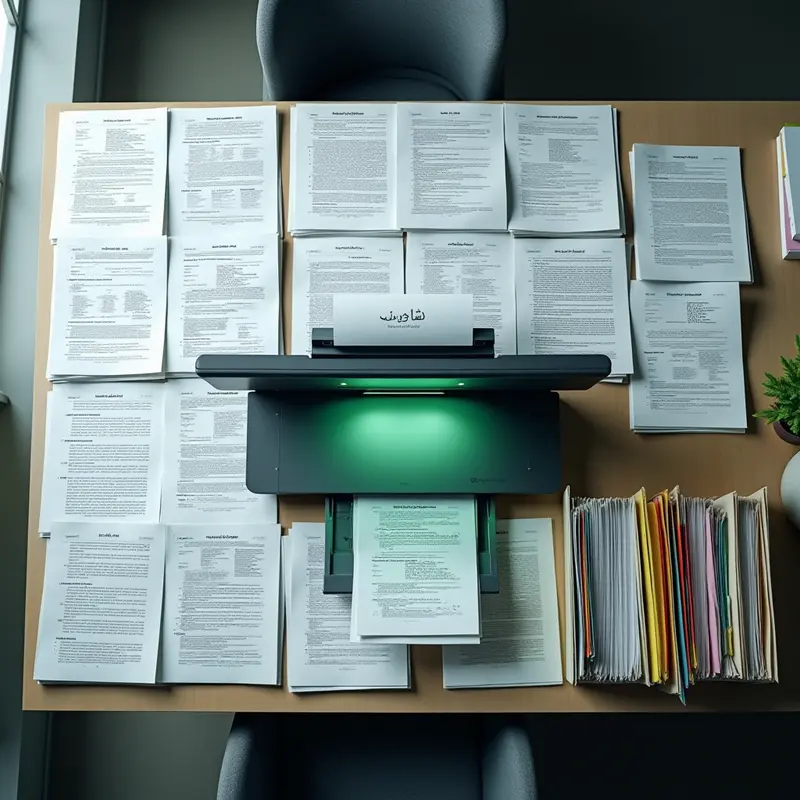
ABBYY FineReader PDF 16 Corporate is a product from ABBYY, a company with a long track record in optical character recognition (OCR). The company is considered a pioneer in this technology and has established itself over the years as one of the most reputable names in digital document processing. The sixteenth version of this software leverages advanced artificial intelligence to bring text recognition accuracy to a level that seriously challenges competitors like Adobe Acrobat Pro and Readiris.
What sets ABBYY FineReader PDF 16 Corporate apart from both the Standard edition and its competitors is its special focus on enterprise needs. Batch document processing and workflow automation capabilities have turned this software into a tool that can reduce hours of manual work to just a few minutes. Support for more than 198 languages, including Persian, is a key advantage for Iranian users—a feature that many competitors handle poorly.
In terms of overall value, this software is a smart investment for users who deal with high volumes of documents on a daily basis. Over 99% text recognition accuracy means the need for manual editing after conversion is minimized. The document comparison feature is also a valuable tool for legal departments and financial teams that need to track changes between different versions of contracts. Security features including encryption and digital signatures also demonstrate that ABBYY understands the needs of professional environments well. Overall, if you are looking for a comprehensive solution for digital document management at the enterprise level, ABBYY FineReader PDF 16 Corporate is one of the best options available on the market.
Key Features
- High-Accuracy OCR: Over 99% text recognition accuracy is a figure that holds true in practice, setting ABBYY FineReader PDF 16 Corporate apart from competitors like Adobe Acrobat Pro in the scanned document conversion space. This level of accuracy is especially evident in multilingual documents and complex formats.
- Extensive Language Support: Coverage of more than 198 languages, including Persian, is a strong point of particular importance to Iranian users; many competitors perform poorly in recognizing Persian text, making this a serious competitive advantage.
- Batch Processing and Automation: These are the very features that separate the Corporate edition from the Standard. If you work in an environment where dozens of documents need to be processed daily, these capabilities alone justify choosing the professional edition.
- Smart Document Comparison: Highly useful for legal departments and contract teams, enabling quick identification of differences between different versions of a document.
- Document Structure Reconstruction: Precise preservation of tables, columns, and original formatting demonstrates the maturity of ABBYY’s AI and produces editable output that minimizes the need for manual corrections.
- Enterprise Security Tools: Encryption and digital signatures effectively cover the standards required by organizations, and integration with other enterprise software noticeably streamlines workflows.
Pros and Cons

- Pro: The OCR engine of this software, with over 99% accuracy, is practically among the best in the industry and delivers remarkable performance compared to competitors like Adobe Acrobat Pro, especially in recognizing multilingual documents.
- Pro: Batch processing and workflow automation capabilities elevate ABBYY FineReader PDF 16 Corporate from a simple tool to a true enterprise solution, significantly reducing time consumption for legal and financial departments dealing with high volumes of documents.
- Pro: Smart document structure reconstruction with preservation of original tables and columns is one of the key strengths; many OCR tools perform poorly at preserving complex table formats. ABBYY is a leader in this area.
- Con: The limitation of installation to Windows only completely excludes macOS and Linux users; while many competitors offer cross-platform versions, this limitation is problematic in diverse work environments.
- Con: A time-limited license instead of a perpetual license means you must pay for renewal after the validity period ends; this subscription model is not appealing to users who prefer to pay once.
- Con: The absence of a web-based or cloud version is notable; while many document management tools have moved toward cloud solutions, complete dependence on desktop installation can limit the flexibility of remote teams.
Real-World Usage Experience
In daily use of ABBYY FineReader PDF 16 Corporate, the first thing that catches your attention is the high speed of the OCR engine. When you import a multi-page scanned document, processing is completed surprisingly fast, and the final output with over 99% accuracy is truly reliable. This accuracy in practice means that the need for manual editing after conversion is minimized.
Who Should Use ABBYY FineReader PDF 16 Corporate?
ABBYY FineReader PDF 16 Corporate is not suitable for every user, but for specific groups it can be a vital tool.
Legal Departments and Legal Consultants: If you deal daily with a large volume of contracts, court rulings, and legal documents, this software with over 99% text recognition accuracy and document comparison capability enables quick review of changes between different versions of contracts—a capability that competitors like Adobe Acrobat do not offer in this form.
Financial and Accounting Teams: Converting scanned invoices and statements into editable Excel files, especially with batch processing capability, eliminates hours of manual work. The Corporate edition with automation capabilities is ideal for teams handling high volumes of financial documents.
Organizations on the Path to Digitization: Companies with old paper archives that want to make documents searchable will benefit from support for more than 198 languages and smart document structure reconstruction.
Researchers and Academics: For converting scanned books and articles into citable text while precisely preserving tables and original formatting, this tool delivers reliable performance.
Who Does Not Need This Software: If you only occasionally read a PDF file or need light editing, free tools like Foxit Reader are sufficient, and the Corporate edition would be more than you need.
Similar Products to ABBYY FineReader PDF 16 Corporate | Original License
Frequently Asked Questions
What operating system is ABBYY FineReader PDF 16 Corporate designed for?
This software is exclusively released for the Windows operating system. If you use Mac or Linux, you need to look for alternative solutions, as ABBYY FineReader PDF 16 Corporate can only be installed and activated on Windows.
What type of license does ABBYY FineReader PDF 16 Corporate have?
The license for this product is time-limited, meaning it needs to be renewed after the validity period ends. Unlike perpetual licenses, this licensing model requires you to pay again, but in return guarantees access to all updates throughout the active period.
What is the difference between the Corporate and Standard editions?
The Corporate edition is designed for enterprise environments and work teams, offering advanced capabilities such as document comparison, simultaneous editing, and document processing automation. If you have professional and organizational needs, the Corporate edition is a more suitable choice than the Standard.
What type of users is this software suitable for?
ABBYY FineReader PDF 16 Corporate is primarily suitable for professional users, organizations, and businesses that deal with high volumes of documents on a daily basis and need smart document conversion, editing, and management.
Conclusion
ABBYY FineReader PDF 16 Corporate is a smart and reliable choice for organizations and professional teams that deal with high volumes of paper and digital documents daily; legal, financial, and administrative departments in particular will benefit the most from its enterprise capabilities. If you are a macOS or Linux user or need a cloud-based solution, Adobe Acrobat Pro would be a more flexible option; however, if unparalleled OCR accuracy and Persian document processing are your priorities, ABBYY FineReader PDF 16 Corporate still leads the market. Given the growing trend of artificial intelligence in document processing, investing in this software can serve as a reliable foundation for your organization’s digital future.
Disclaimer: This article is for informational purposes only and is not a substitute for medical advice. Be sure to consult your physician.
Want to generate content for all your website’s products with one click?