














Nero Platinum Suite 2026 — Review and Comparison

Nero Platinum Suite 2026 is one of the most well-known multimedia software suites in the Windows world, having been active in this field for many years. This software suite, once known solely as a disc burning tool, has now evolved into a versatile package for professional and semi-professional users. In this article, we will take an analytical look at the latest version of this suite.
Quick Summary
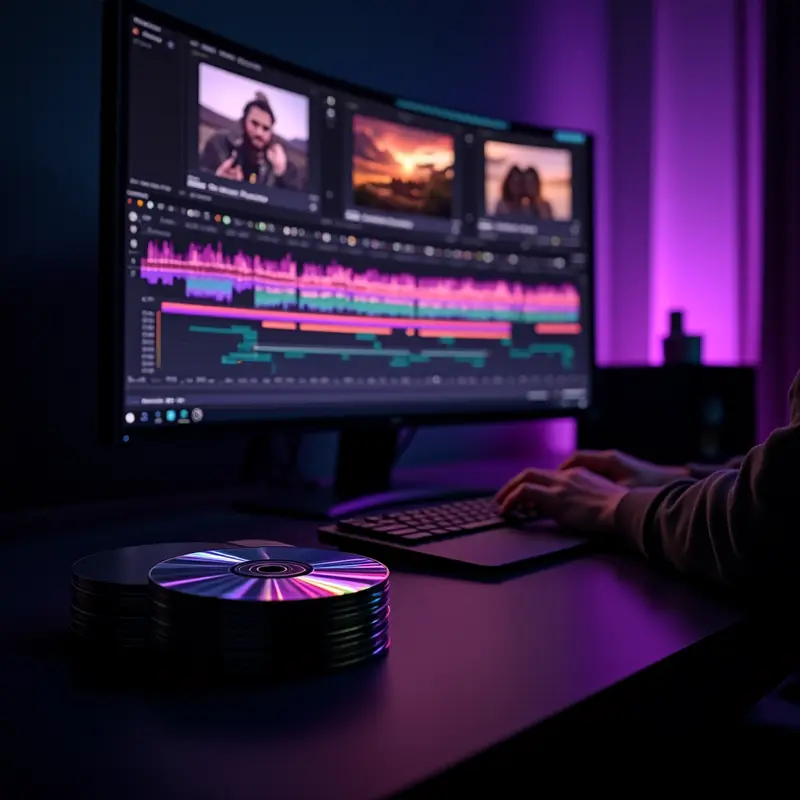
Nero Platinum Suite 2026 is one of the oldest and most comprehensive multimedia suites on the software market, maintaining its position with over two decades of experience. For Windows users who need an all-in-one solution, this suite is a logical and efficient choice.
Key Points
- Includes Nero Video with 4K output support for professional video editing
- Nero Burning ROM tool for burning all types of optical discs
- Backup capability with Nero BackItUp for files and system
- Integration of multiple multimedia tools in a single package
- Full compatibility with the Windows operating system
- Ability to manage and organize multimedia files
- Over two decades of experience in the multimedia software industry
Introduction to Nero Platinum Suite 2026
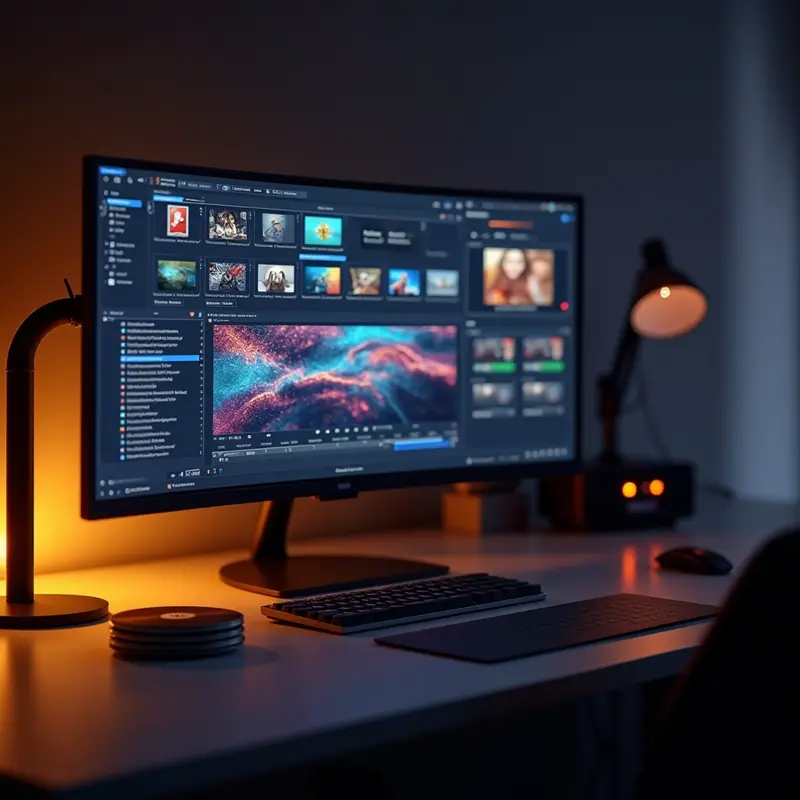
Nero Platinum Suite 2026 is the latest version of the well-known software suite from the German company Nero AG, which has been actively present in the multimedia industry for over two decades. In an era where many users resort to separate software for each multimedia task, this suite has attempted to bring all needs related to video, audio, image, and disc management under one roof with its comprehensive approach. This integration strategy is Nero’s main competitive advantage over rivals such as CyberLink PowerDirector or Ashampoo Burning Studio.
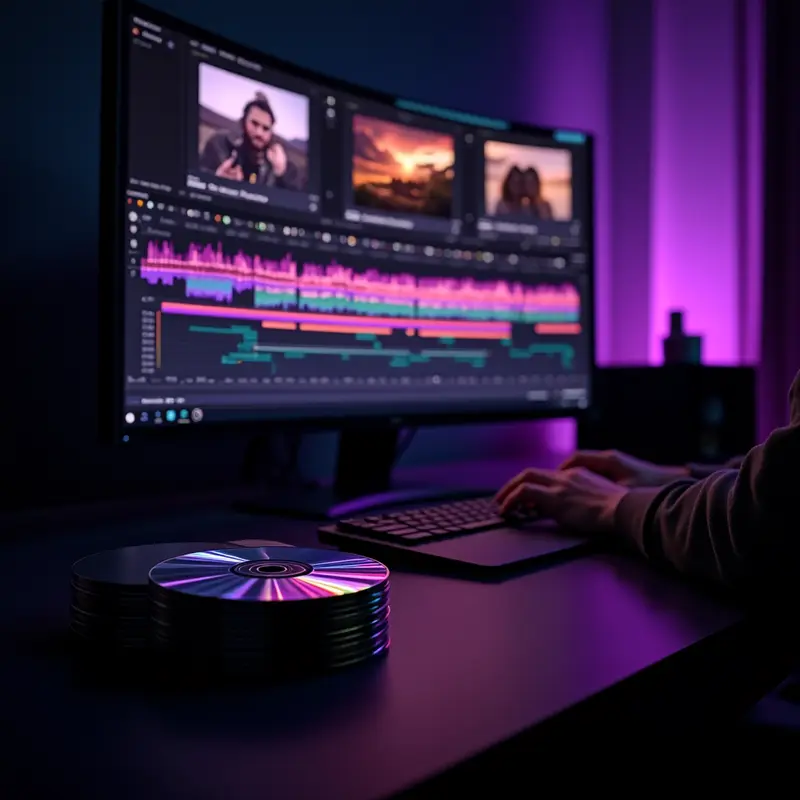
What distinguishes Nero Platinum Suite 2026 from a professional user’s perspective is the variety of specialized tools within the package. From Nero Video with 4K output support and multi-track editing to Nero Burning ROM, which remains one of the most reputable disc burning tools on the market, each module is noteworthy on its own. Tools such as Nero BackItUp for cloud and local backup, Nero DuplicateManager for managing duplicate files, and Nero RescueAgent for recovering data from damaged discs have turned this suite into a complete toolbox.
However, it should be noted that Nero’s video editing component, compared to specialized software like DaVinci Resolve or Adobe Premiere Pro, is primarily designed for home and semi-professional users, and expecting studio-level capabilities from it is not realistic. Nevertheless, if you are looking for an all-in-one Windows solution that covers all your multimedia needs without installing multiple different programs, Nero Platinum Suite 2026 remains one of the best options available on the market and is worth serious consideration.
Key Features

- Tool Integration: Nero Platinum Suite 2026 brings all multimedia needs of Windows users under one roof; instead of installing multiple separate software programs, everything from video editing to backup is offered in a single package, and this approach noticeably simplifies workflow management.
- Nero Video: With 4K output support and multi-track editing, it delivers acceptable performance for semi-professional users, although it should not be expected to compete with software like DaVinci Resolve or Premiere Pro.
- Nero Burning ROM: It remains one of the most reliable disc burning tools on the market, and its disc encryption capability is an important security advantage for professional users.
- Nero MediaHome: With the ability to stream to network devices, it simplifies media library management and provides a smooth experience for accessing content across your home network.
- Nero Recode: A practical tool for converting video file formats while maintaining quality, which is especially useful when transferring content between different devices.
- Nero DuplicateManager: Designed for identifying and removing duplicate files, it plays an effective role in freeing up storage space.
- Nero RescueAgent: Enables data recovery from damaged discs; a capability that can be extremely valuable in critical moments.
- Nero BackItUp: With automatic scheduling and cloud storage support, it is a suitable option for users who care about data security and are looking for a hassle-free solution for regular backups.
Pros and Cons

- Pro: A comprehensive suite that eliminates the need to install multiple separate software programs. From video editing with 4K support to disc burning, format conversion, and backup, everything is brought together in one integrated package, meaning real savings in time and cost for the user.
- Pro: Nero Burning ROM remains one of the most reputable and reliable disc burning software in the industry. Support for CD, DVD, and Blu-ray along with encryption capability makes it a safe choice for physical data archiving.
- Pro: The inclusion of supplementary tools like Nero DuplicateManager and Nero RescueAgent creates significant added value. Data recovery from damaged discs is a capability that many competitors do not offer.
- Pro: Automatic backup with Nero BackItUp is performed both locally and in the cloud, providing good flexibility for data protection.
- Con: Being limited to the Windows operating system is a serious drawback. macOS and Linux users are completely left out, while competitors like HandBrake and DaVinci Resolve are cross-platform.
- Con: Nero Video’s editor remains at a semi-professional level compared to specialized tools like DaVinci Resolve or Adobe Premiere Pro and is not sufficient for serious video projects.
- Con: With the significant decline in physical disc usage in recent years, a considerable portion of this suite’s capabilities revolves around disc burning, which has limited practical use for many of today’s users.
Real-World Usage Experience

In daily use of Nero Platinum Suite 2026, what stands out the most is the integration of tools with each other. Unlike when you have to use separate software for each task, here everything is under one roof and switching between different sections is very smooth. For example, you can edit a video in Nero Video, then without leaving the main environment, convert it to your desired format with Nero Recode, and finally burn it to a disc with Nero Burning ROM.
The user interface has noticeably improved compared to older versions, and for users familiar with the Windows environment, learning it is not difficult. The 4K output support in the video editing section delivers acceptable performance, although for fully professional projects, tools like DaVinci Resolve still have the edge. Another positive point is the Nero DuplicateManager tool, which in practice genuinely helps free up storage space and is simple and quick to use.
Who Should Use Nero Platinum Suite 2026?
Nero Platinum Suite 2026 is truly valuable for specific groups of users, and if you fall into one of these categories, this suite can replace multiple separate software programs.
Home and Semi-Professional Video Editors: If you produce family videos, vlogs, or educational content and need a tool with multi-track editing and 4K output, Nero Video is a more suitable option than free but limited software like Windows Video Editor.
Users Who Still Work with Physical Discs: If you need to burn CDs, DVDs, or Blu-rays for archiving or content distribution, Nero Burning ROM remains one of the most reliable tools in this field.
Users with Large Multimedia Archives: Managing thousands of photo, music, and video files without an organizational tool is a nightmare. Nero MediaHome solves this problem.
Who Should Not Choose This Suite? Professional editors who need Adobe Premiere-level capabilities, or users who simply need a basic backup tool, are better served by more specialized options.
Similar Products to Nero Platinum Suite 2026 | Original License
Frequently Asked Questions
What exactly is Nero Platinum Suite 2026?
Nero Platinum Suite 2026 is a complete multimedia software suite from the German company Nero AG that offers video editing, disc burning, media management, format conversion, backup, and data recovery tools in one integrated package. With over two decades of experience, this suite is considered one of the most reputable software packages in the field of multimedia file management.
What operating system is this license compatible with?
The Nero Platinum Suite 2026 license is designed exclusively for the Windows operating system and is of the ESD (Electronic Software Delivery) type; therefore, macOS or Linux users will not be able to use this suite.
What are the most important tools included in this suite?
Key tools include Nero Video with 4K output support and multi-track editing, Nero Burning ROM for burning CDs, DVDs, and Blu-rays, Nero MediaHome for organizing and streaming files, Nero BackItUp for automatic backup, and Nero RescueAgent for recovering data from damaged discs.
Who is this suite suitable for?
Nero Platinum Suite 2026 is ideal for users who regularly work with multimedia files and prefer an integrated solution for video editing, disc burning, and backup instead of installing multiple separate software programs.
What is different about the 2026 version compared to previous Nero versions?
The 2026 version offers a smoother and more professional user experience compared to previous versions, with an improved video processing engine, optimized user interface, and enhanced compatibility with new media formats.
Conclusion
Nero Platinum Suite 2026 remains a logical and efficient choice for Windows users who are looking for an integrated multimedia solution and do not want to deal with installing and managing multiple separate software programs. If professional video editing is your top priority, you are better off going with DaVinci Resolve; but if you need a complete set of multimedia tools, disc burning, and backup in a single package, Nero Platinum Suite 2026, with its proven track record, is an option that deserves serious consideration.
Want to generate content for all your website’s products with one click?